Presentations
Replace static screenshots with motion that sells the product story in client decks and pitch meetings.
Canva App
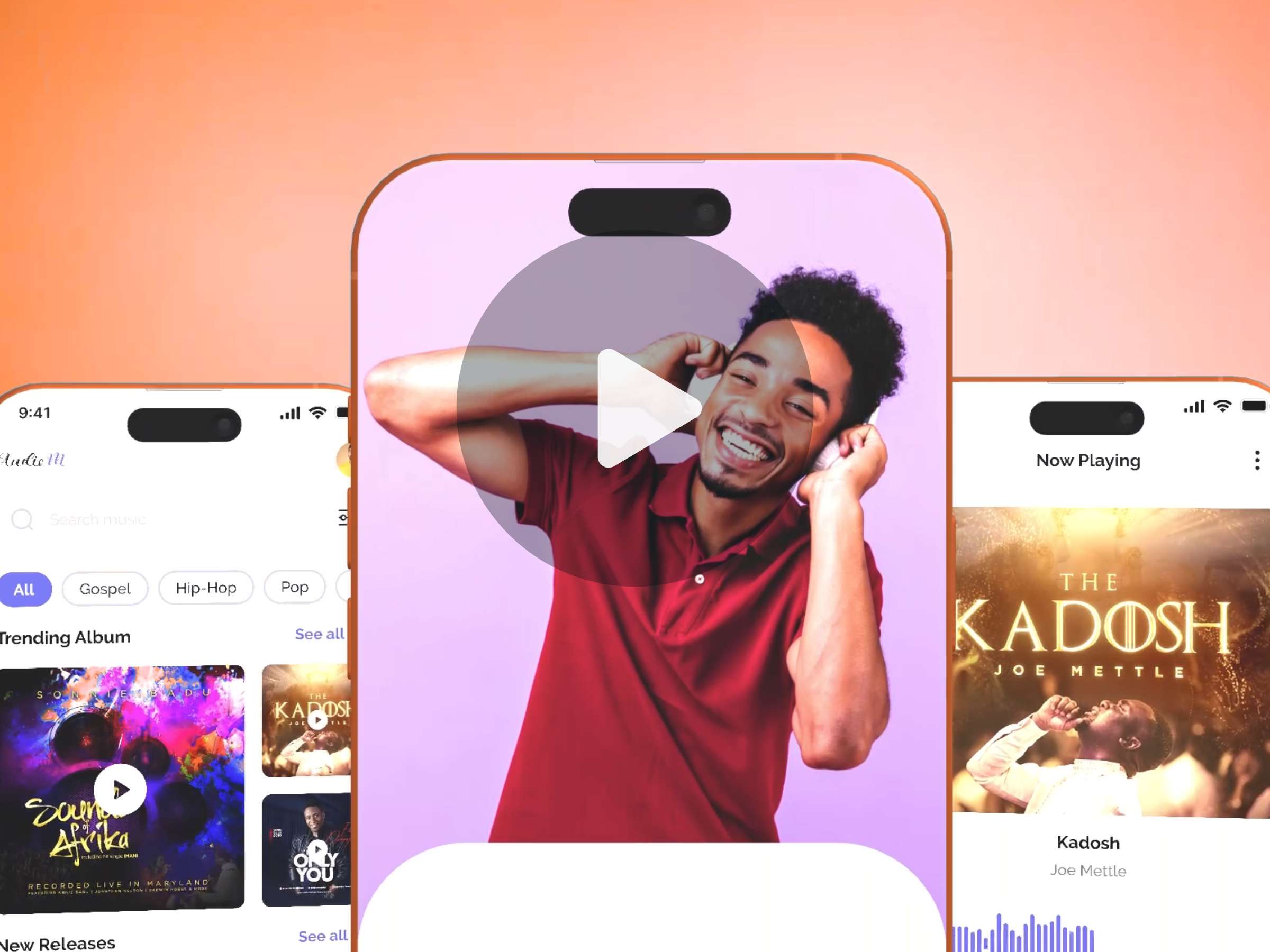
Show your designs in motion with animated device mockups. Create mockup videos in Canva to share your work in presentations, portfolios, and social posts.
Workflow
Built for designers who want polished device videos without leaving Canva.
Bring your Canva design, screenshot, or export into Motion Mockups — no extra tools required.
Choose polished phone, tablet, or laptop frames that make your work feel real and ready to share.
Generate a smooth motion mockup you can drop into decks, portfolios, and social posts.
Made for
Replace static screenshots with motion that sells the product story in client decks and pitch meetings.
Show UI work on real devices so recruiters and clients instantly feel how the experience moves.
Ship scroll-stopping mockup videos for Instagram, LinkedIn, and product launches — without a motion team.
Gallery
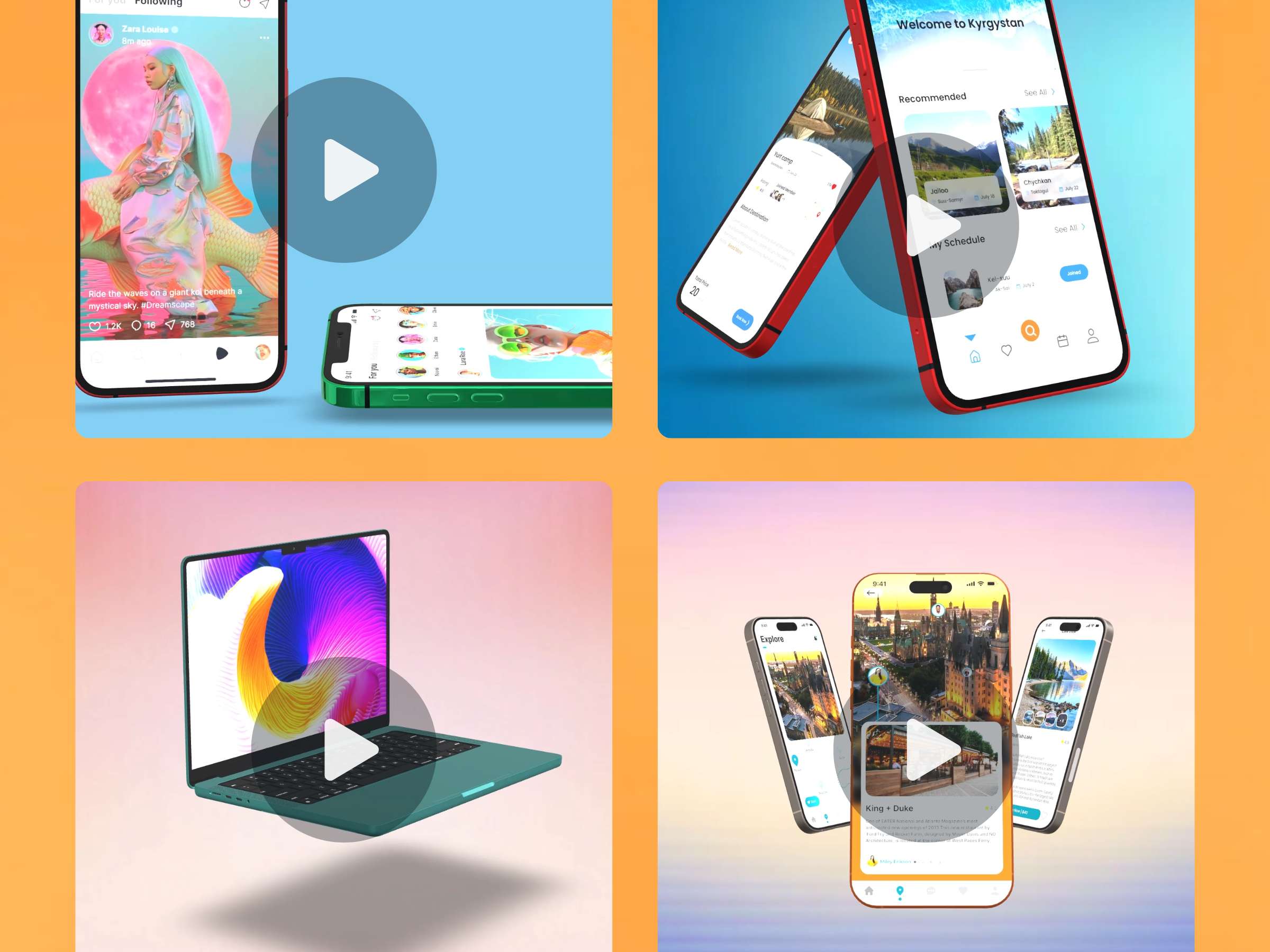
Vibrant device mockups designed to make your UI look finished — and alive.
Ready when you are
Questions, feedback, or partnership ideas — we are happy to help.